Reliable physical connections between rooms, devices and buildings.
Networks, PoE & data cabinets
The infrastructure behind everything that needs to stay connected.
Properly planned cabling, switches, PoE equipment and network cabinets for homes, offices, CCTV systems and wider properties.
System status
Network online
Power and data delivered to compatible cameras and access points.
Correctly sized equipment connecting the property network.
Organised equipment that can be understood and maintained later.
The foundation
A strong network supports far more than computers.
Wi-Fi access points, CCTV cameras, smart devices, telephones, printers, servers and cloud systems all depend on the network beneath them.
Jonathan plans the cabinet, switching, PoE capacity, cable routes and future expansion as one joined-up system.
Clear labelling
Connections can be identified without guesswork.
Suitable capacity
Equipment chosen around current and future requirements.
Tidy installation
Cabling routed and organised rather than left tangled.
Infrastructure
Cabinet, switching and patching
Connected properly
One central network supporting the whole property.
Core
Network cabinet
What the network supports
Infrastructure designed around the systems people rely on.
Access points
Wired connections allowing properly positioned Wi-Fi equipment to perform reliably.
PoE CCTV
Compatible cameras receiving data and power through structured network cabling.
Office systems
Computers, printers, telephones, cloud services and shared equipment connected properly.
Outbuildings
Suitable links between houses, offices, workshops, barns and detached spaces.
Smart systems
A dependable foundation for connected lighting, heating, monitoring and automation.
Expansion
Spare capacity and organised infrastructure making future changes easier.
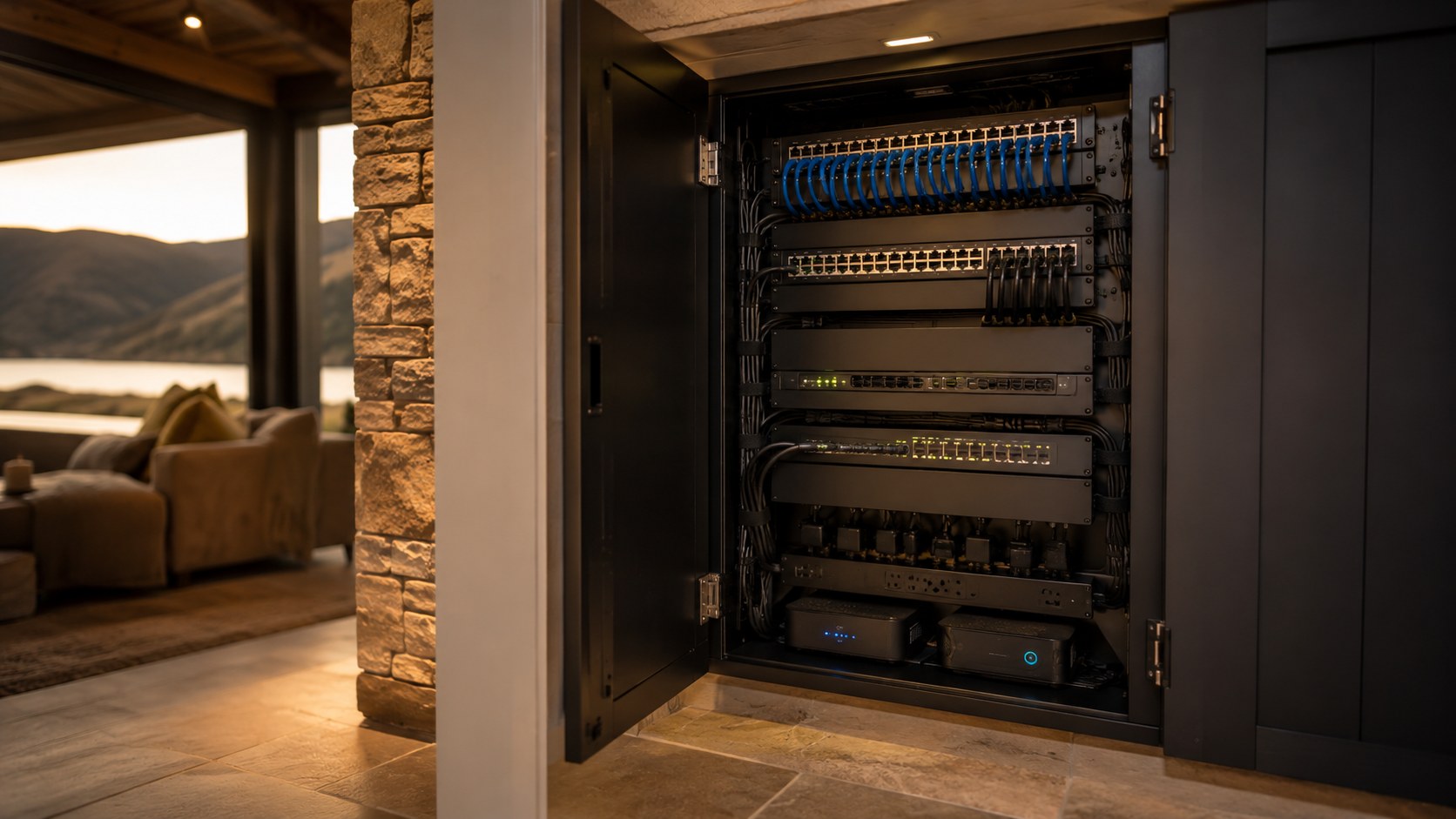
Network cabinets
Organised equipment is easier to support.
A network cabinet should bring together the router, switches, patch panels and related equipment in a clear and manageable way.
- Patch panels and structured cabling
- Network and PoE switches
- Router and internet equipment
- Labelling and cable management
- Space for future expansion
Project process
Planned before the first cable is installed.
The correct network depends on the property, connected systems, equipment locations and future requirements.
Review the requirements
Identify devices, buildings, systems and existing infrastructure.
Plan cable routes
Choose practical routes, equipment positions and cabinet location.
Install and terminate
Fit cables, outlets, patch panels and networking equipment.
Configure and test
Set up switches, PoE devices and connections throughout the property.
Label and hand over
Organise the finished system and explain what has been installed.
Questions
Network and PoE questions.
Every installation depends on the property, connected equipment and the systems the network needs to support.
What does PoE mean?
Power over Ethernet allows compatible devices to receive both power and data through suitable network cabling.
Do I need a network cabinet?
It depends on the number of connections and equipment. A cabinet can keep larger installations organised and easier to support.
Can networking connect separate buildings?
Yes. Suitable wired or wireless links can connect detached buildings depending on distance and property layout.
Can an existing network be tidied and improved?
Yes. Existing cabinets, cabling and equipment can be reviewed to identify faults, poor organisation and upgrade opportunities.
Can the network support CCTV and Wi-Fi together?
Yes. The network can be planned to support compatible cameras, access points and other connected systems together.
Build the foundation
Start with the systems the network needs to support.
Talk directly with Jonathan about cabling, PoE, switches, network cabinets or connections between multiple buildings.